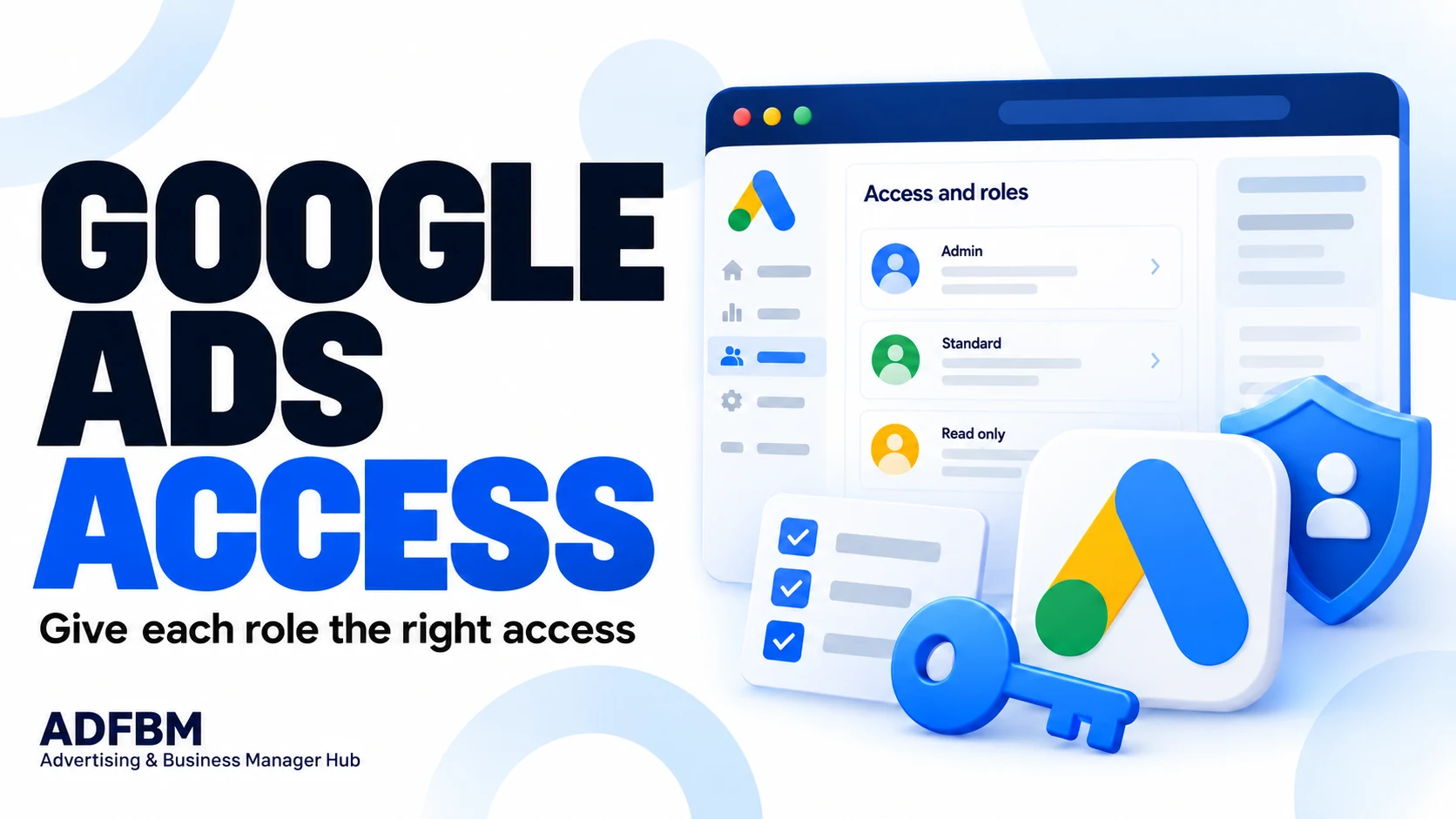
List the work each person does
Separate campaign changes, reporting, account administration, and finance tasks. Ask which access is needed for each task rather than giving every person the same role.
Use current official guidance
Google documents several account access levels with different permissions. Review the current permission descriptions when deciding what your team needs.
Review the arrangement over time
Keep a record of the authorized people and responsible business owner. Revisit the list when a role changes or a person no longer works on the account.
Turn the brief into a useful next step
Bring these notes into the conversation with your team or ADFBM. Keep the selected configuration, the responsible contact, and any open question together. Before an order or change is confirmed, make sure the people doing the work share the same written understanding.
Use the checklist below as a starting point, then adapt it to the business and assets you are authorized to manage. Product details and platform requirements should always be confirmed for the specific setup involved.
 WhatsApp
 Ethereum ETH
 Payoneer